Author: mrbava

  • How to get pixel perfect shapes in photoshop

    Creating vector shapes in Photoshop is a pain when you need pixel accuracy. Photoshop anti-alises the shapes the same way it does for text. Fortunately you can edit the grid and snapping so you can achieve pixel perfect shapes every time and leave those blurry boxes behind.

    Hit ctrk+k or command-k and head on over to your guides, grids and slices tab. Change your settings to match the following image.

    Hit ctrl-‘ or command-‘ to bring up the pixel grid, and make sure you enable snapping in the view tab.
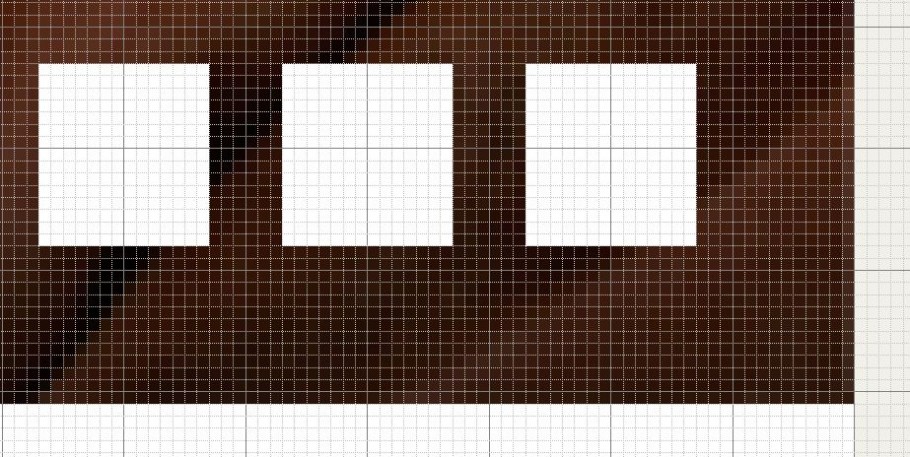
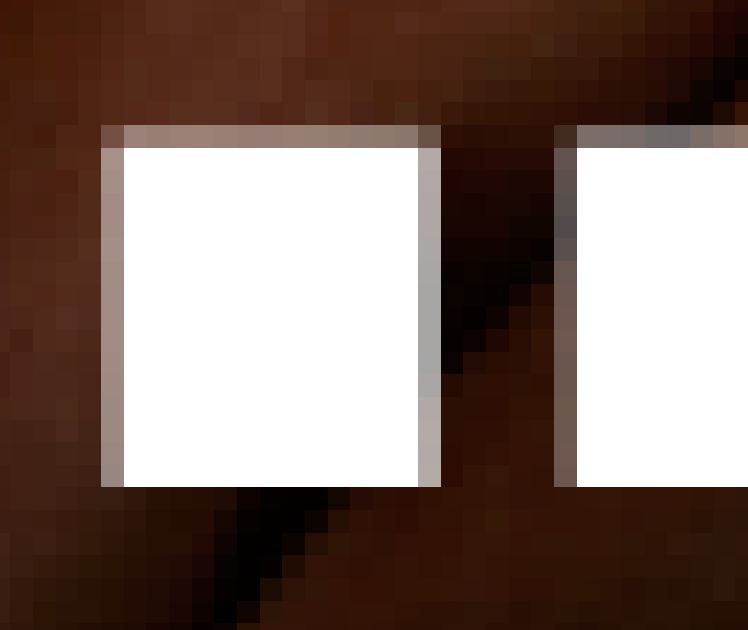
    You’ll then be able to go from creating shapes that are both crisp, and aliasing free. Perfect for grids and image based layouts ; and, leave messes like this in the past.
  • New king is in town

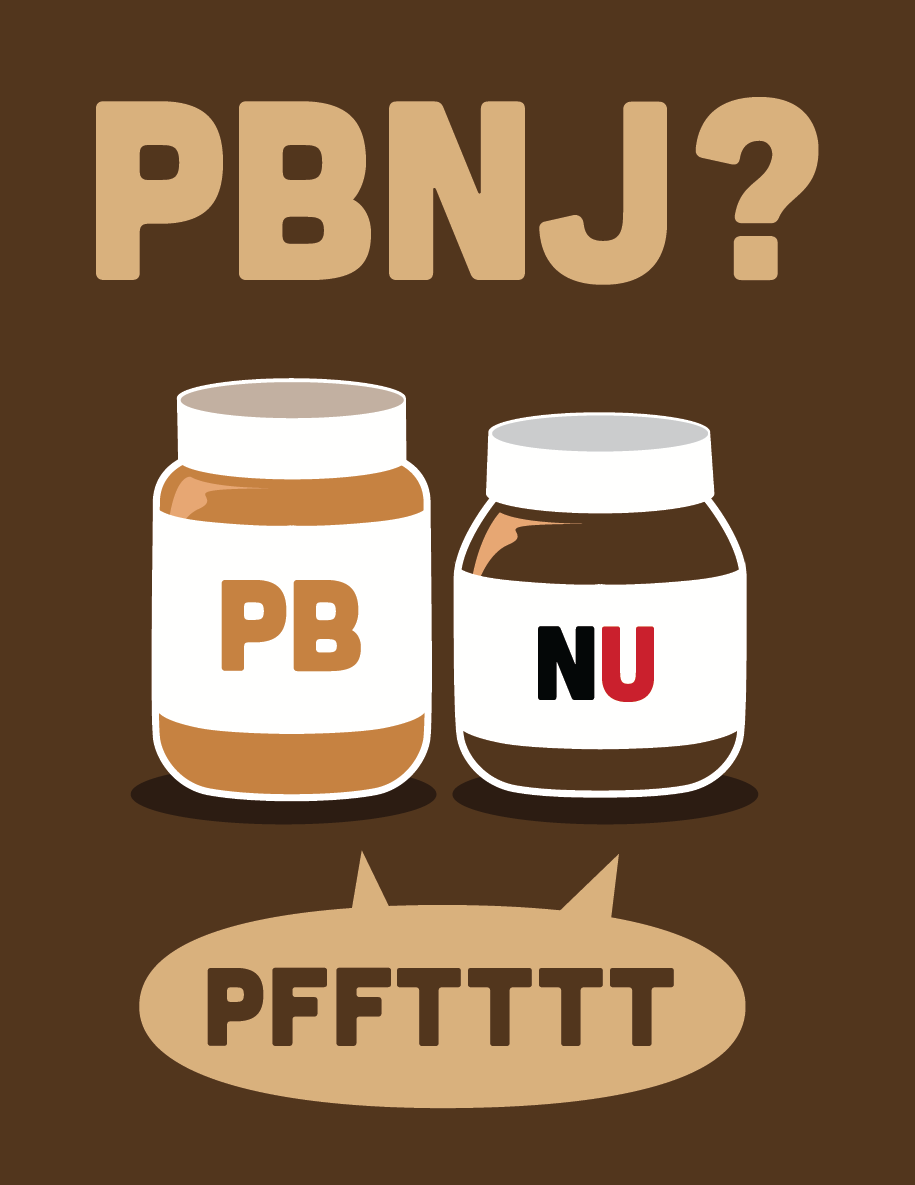
    It’s no secret that I’m a massive Nutella fan. Sure it’s loaded with sugar and unnecessary fat, but It’s been a part of my life since I was a little kid. I’ve always loved peanut butter and jam, but since my grandmother crafted a bagel with Nutella and peanut butter many moons ago, I just can’t be part of the PBNJ crown any longer. Alas, enjoy this graphic,Print it, love it and share it with your friends!

  • What I want from photoshop cs6

    Adobe seems to like adding in features to attract those who don’t really need the full power and toolkit of Photoshop. Here are some of my suggestions from someone who has the program open all day.

    1. Dynamically fed text areas – txt files, docs, web links, etc!
    2. Text areas with floating functions like inDesign, so I can format my text with shapes, etc.
    3. Dynamically expanding shapes, so I can create responsive design templates, and export right from Photoshop to html
    4. Improved content aware and fill, bring back the pattern maker
    5. Built in paragraph controls, so I can create columns and other text effects
    6. Column templates, grid structures hardcoded
    7. These are what I can think of off the top of my head. As you can tell, I have many gripes with the way text is handled in Photoshop!


  • featured on some great websites!

    It’s always great when someone notices your hard work and showcases it for others to see.

    Pretty cool! Can’t wait to get working on some new sites.