Creating vector shapes in Photoshop is a pain when you need pixel accuracy. Photoshop anti-alises the shapes the same way it does for text. Fortunately you can edit the grid and snapping so you can achieve pixel perfect shapes every time and leave those blurry boxes behind.
Hit ctrk+k or command-k and head on over to your guides, grids and slices tab. Change your settings to match the following image.

Hit ctrl-‘ or command-‘ to bring up the pixel grid, and make sure you enable snapping in the view tab.
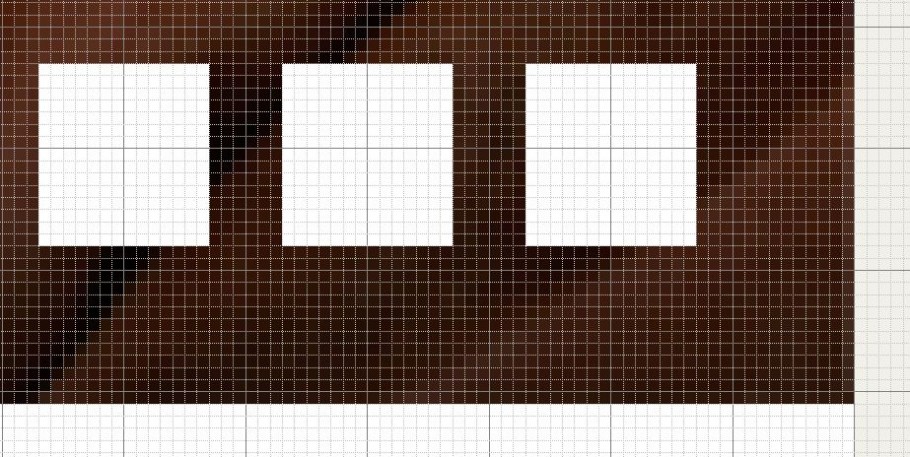
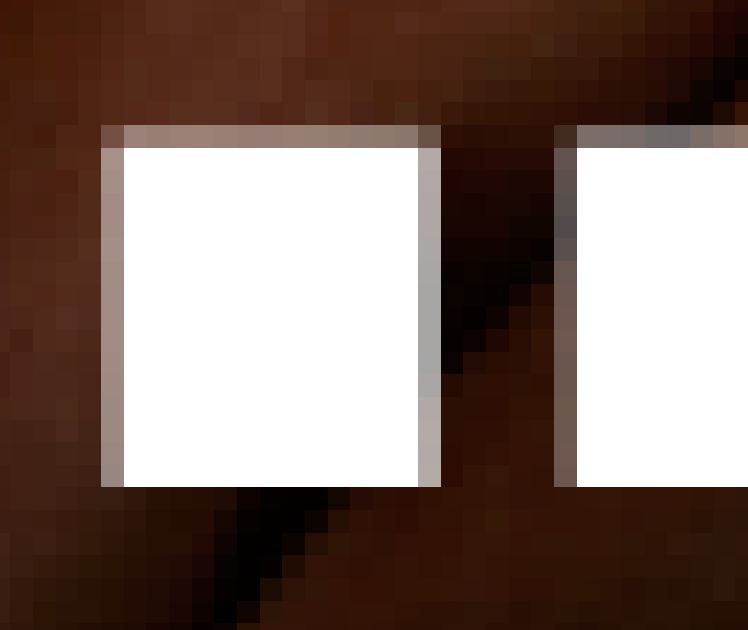
You’ll then be able to go from creating shapes that are both crisp, and aliasing free. Perfect for grids and image based layouts ; and, leave messes like this in the past.
Comments
One response to “How to get pixel perfect shapes in photoshop”
WAY COOL!